
Why haven't I received my confirmation email?
Updated 4 months ago
Browse All
You signed up for SupportPages but the confirmation email hasn't shown up in your inbox yet. These checks usually turn up the message or get a fresh one sent.
Checks and fixes
Check your spam or promotions folder
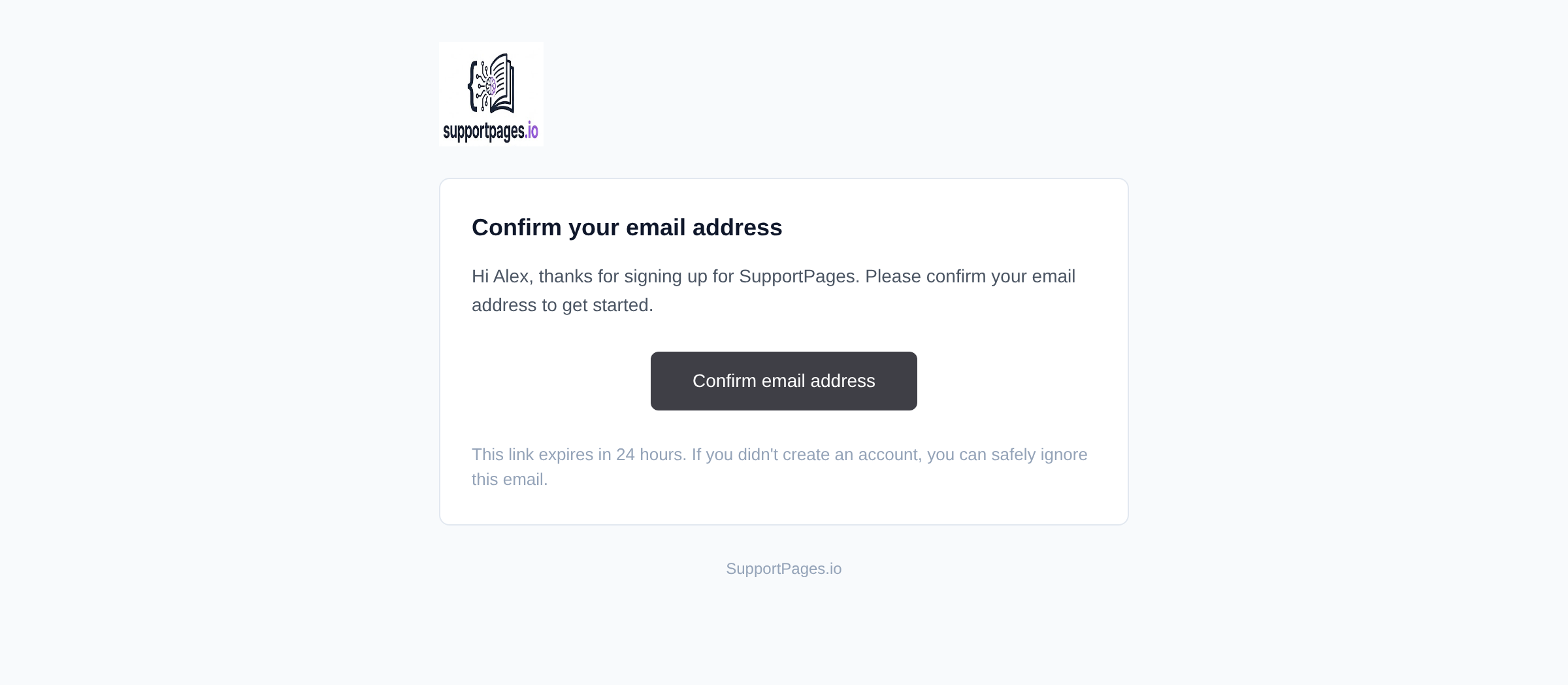
Search your inbox for an email with the subject Confirm your email address from SupportPages. Some providers file it under Spam, Junk, or Promotions.
Confirm the address on the pending page
After sign-up you land on Check your email. Make sure the address shown matches the inbox you're checking — a typo at sign-up sends the link somewhere else.
Resend the confirmation email
Still nothing? On that same page, under Didn't receive the email?, click Resend confirmation email. Wait a minute, then check spam again.
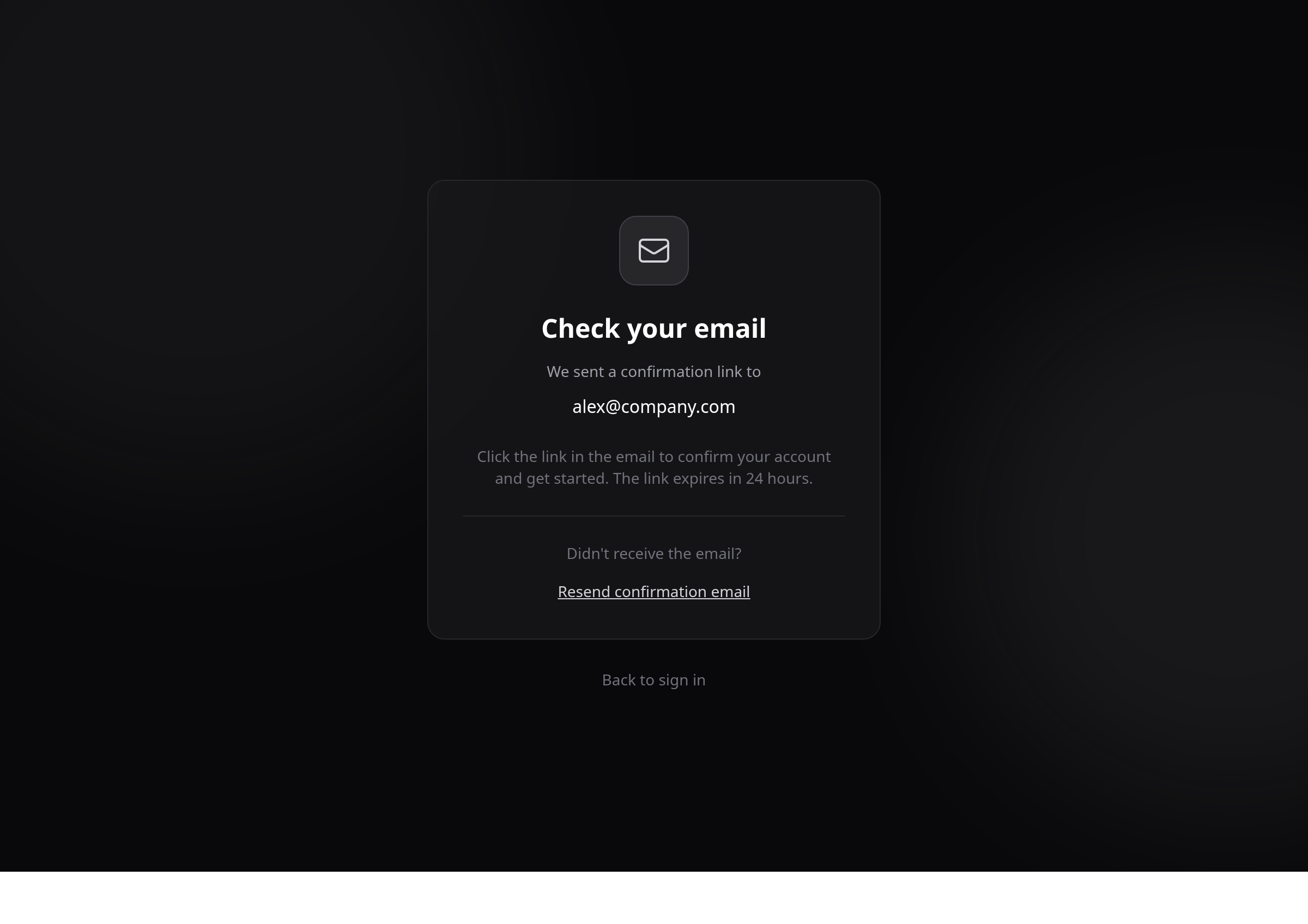
Open the email and confirm your account
Open the message and click Confirm email address. The link expires in 24 hours — if yours has expired, use Resend confirmation email to get a new one.
Sign in once you're confirmed
After confirming, click Back to sign in and enter your email and password. If you try to sign in before confirming, you'll be sent back to the pending page with a reminder to confirm first.
Tips
- If you used a work email, your IT team may block automated messages — ask them to allow mail from SupportPages.
- Request a new link before the 24-hour window runs out if you haven't clicked it yet.
Summary
Most missing confirmation emails are in spam or went to a mistyped address. Use the pending page to resend, then click Confirm email address in the message to finish setting up your account.
Was this article helpful?
Built with supportpages.io — an AI documentation generator.
Have a question?
Search our articles, or ask and get an answer straight away.