
How to create your SupportPages account
Updated 4 months ago
Browse All
Create a SupportPages account with your email and password so you can connect a repo and start building your help centre.
Prerequisites
- A valid email address you can access right away
Steps
Open the SupportPages website
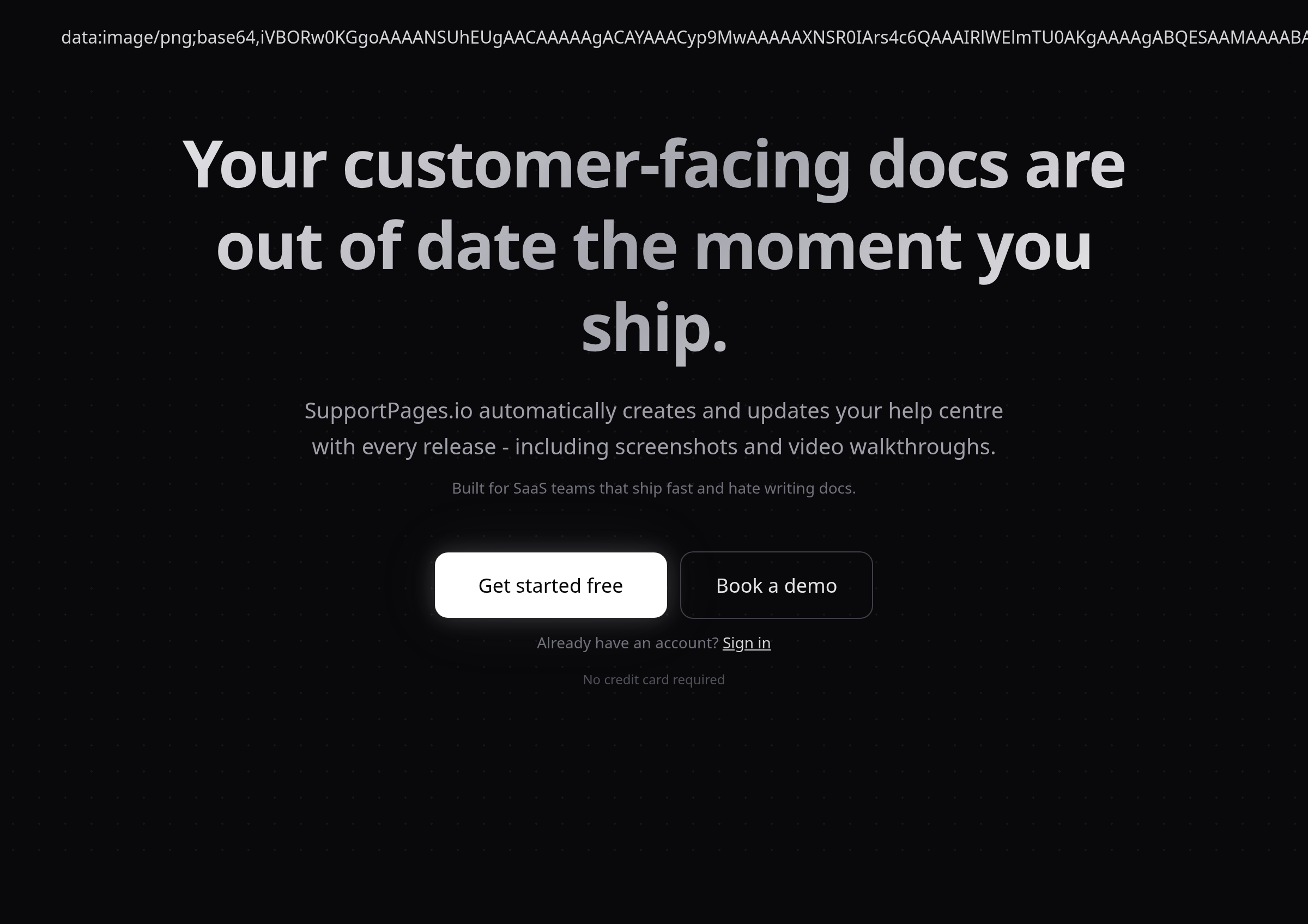
Go to supportpages.io in your web browser. The home page shows a Get started free button below the main headline.
Open the signup form
Click Get started free. The signup form opens on top of the page.
Enter your account details
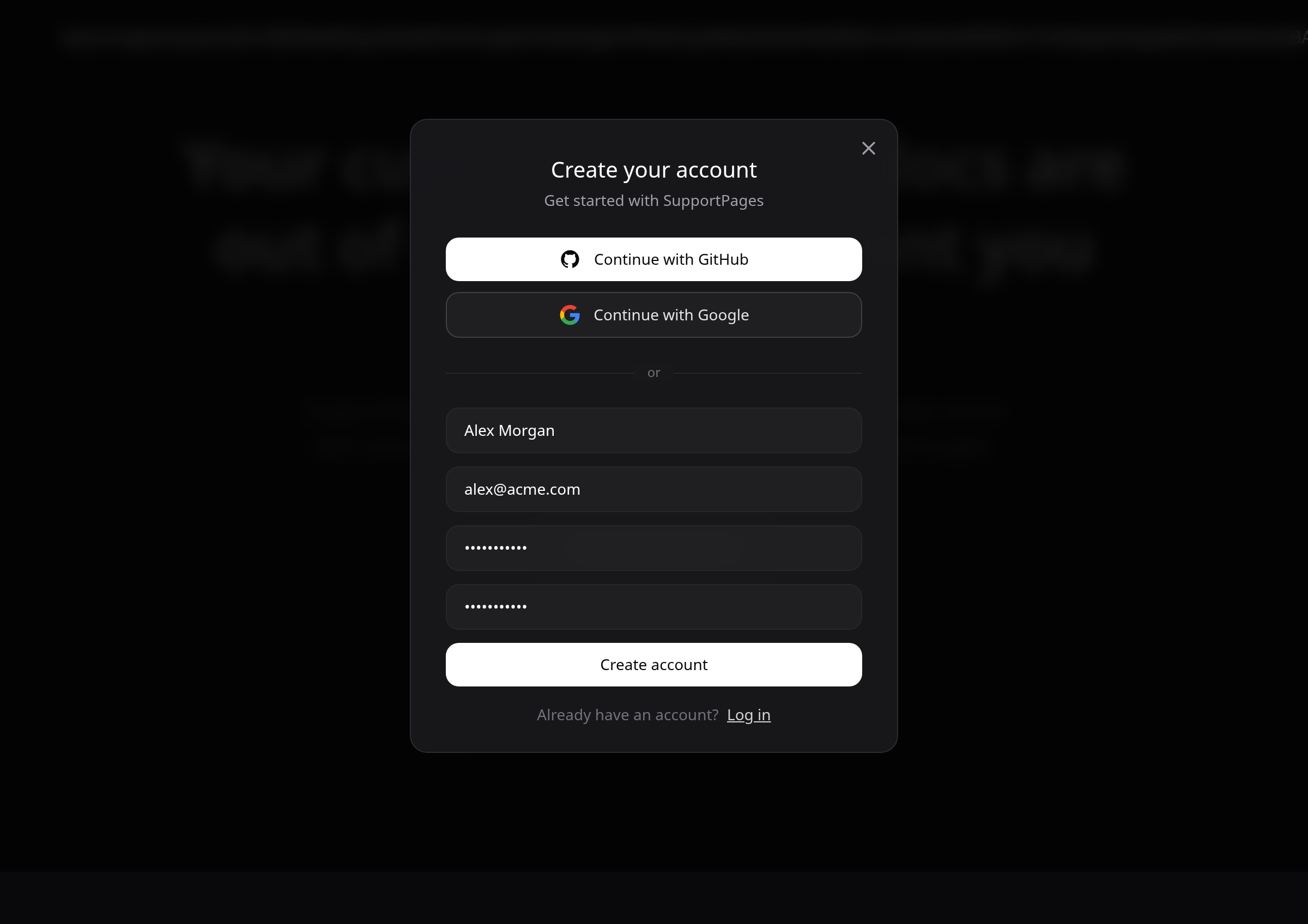
Fill in Full name, Email address, Password (min 8 characters), and Confirm password. Use a password with at least eight characters.
Create your account
Click Create account. SupportPages sends a confirmation email to the address you entered.
Confirm your email address
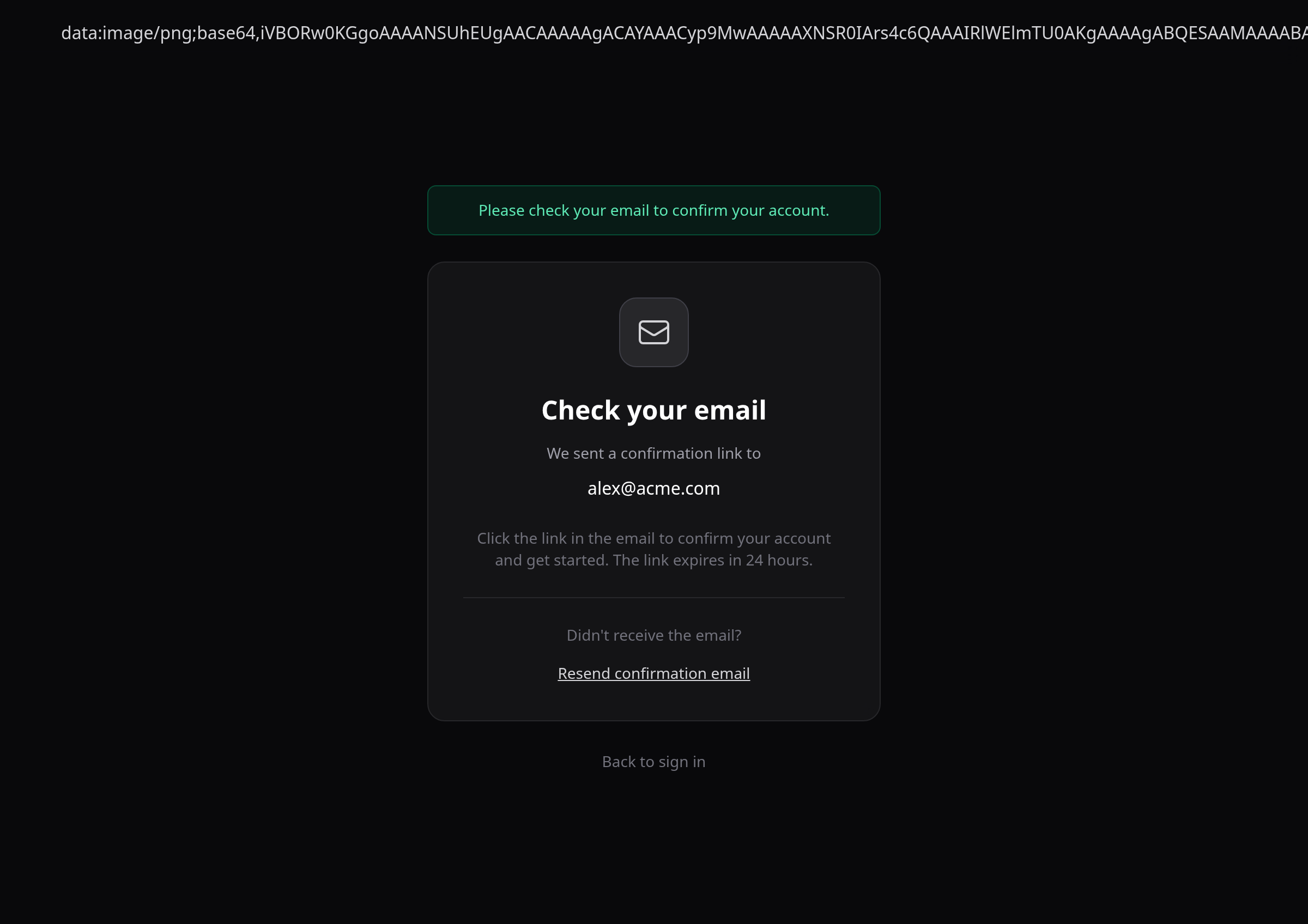
Open the confirmation email and click the link inside. You land on a Check your email page first, then sign in once your address is verified.
Tips
- If the email does not arrive within a few minutes, check your spam folder or click Resend confirmation email on the confirmation page.
- The confirmation link expires after 24 hours — request a new one from that same page if yours has expired.
Summary
Once your email is confirmed, you can sign in and connect a repository to start generating help-centre content from your code.
Was this article helpful?
Powered by supportpages.io, AI release notes software.
Have a question?
Search our articles, or ask and get an answer straight away.