
Why can't I join a project from an invitation link?
Updated 4 months ago
Browse All
If clicking a project invitation link doesn't add you to the team, it's usually because the link has expired or already been used, or because you're signed in with a different email than the one invited.
Checks and fixes
Check for an error on the sign-in page
Open the invitation link again. If you're sent to the sign-in page and see That invitation link is invalid or has expired., the link is no longer valid — it may have expired (links last 14 days), already been accepted, or been revoked by the project owner.

Sign in with the email the invitation was sent to
When the link is still valid but you're not signed in, you'll see a message asking you to sign in with the invited email address. Click Sign in, enter that exact email address, and choose Log in or create an account with the same email before opening the link again.
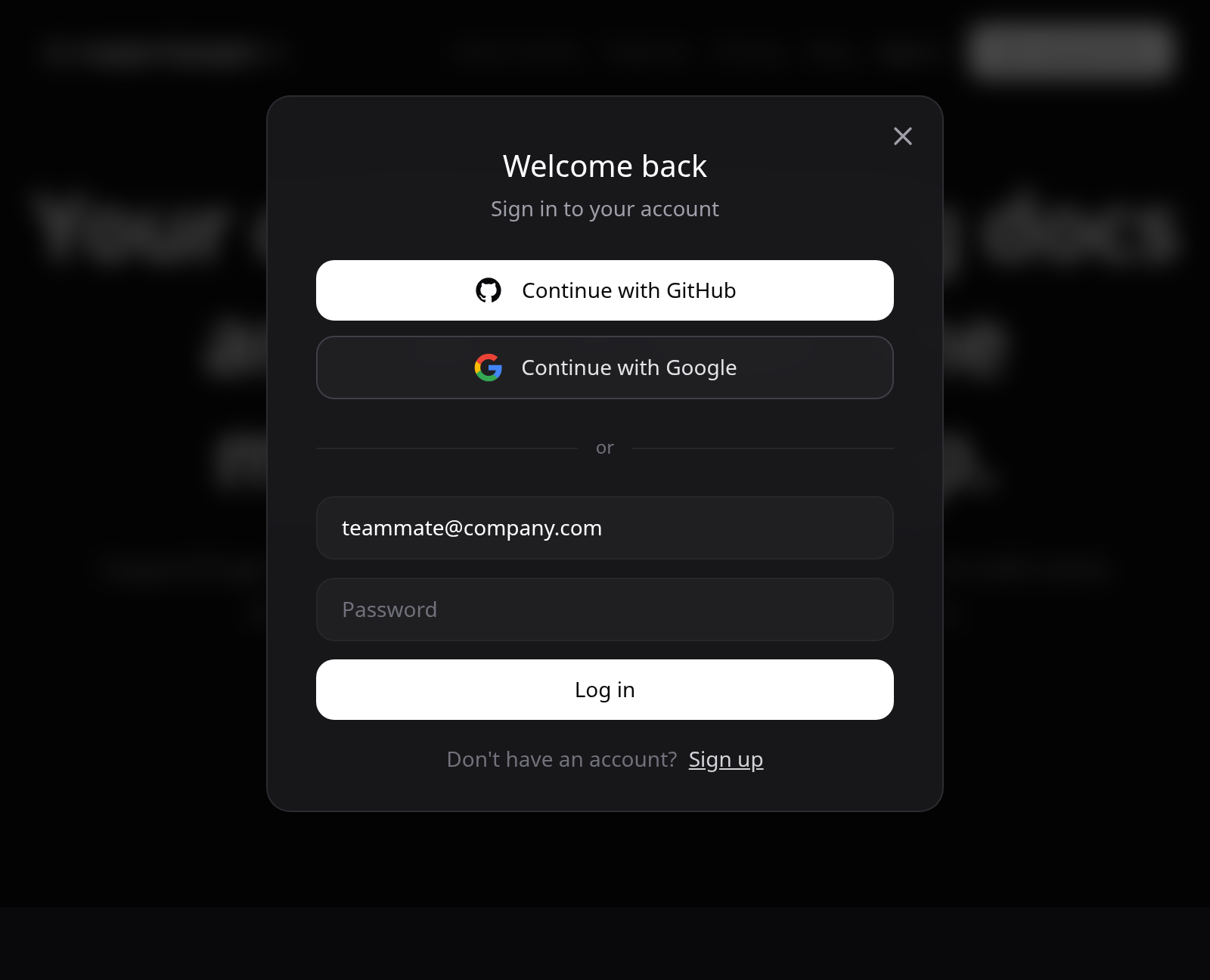
Sign out if you're on the wrong account
If you're already signed in under a different email, open the account menu and choose Sign out. Sign back in with the invited email address, then click the invitation link once more.
Ask the project owner for a new invitation
If the link still doesn't work, ask the person who invited you to open Settings, go to the Team tab, and send a fresh invite to your email address.
Tips
- Invitation links are tied to one email address — you can't accept an invite sent to [email protected] while signed in as [email protected].
- Forwarding an old invitation email won't refresh the link; the owner needs to send a new invite from the Team settings.
Summary
Most invitation problems come down to an expired or used link, or signing in with the wrong email. Use the invited address, and ask the project owner to resend if the link has expired.
Was this article helpful?
Generated by supportpages.io, automating product documentation from your codebase.
Have a question?
Search our articles, or ask and get an answer straight away.