
What restricted and internal access means for your visitors
Updated 4 months ago
Browse All
Some help centres are not fully public. When a team marks their documentation as internal or restricted, visitors may need a direct link or a quick email sign-in before they can read anything.
Key concepts
Internal documentation is kept off the open web
An internal help centre is meant for a specific audience — employees, partners, or customers the team shares the link with. It does not show up in search engines or AI assistants, so people generally need the URL from someone on the team to find it.
Restricted access asks for your work email
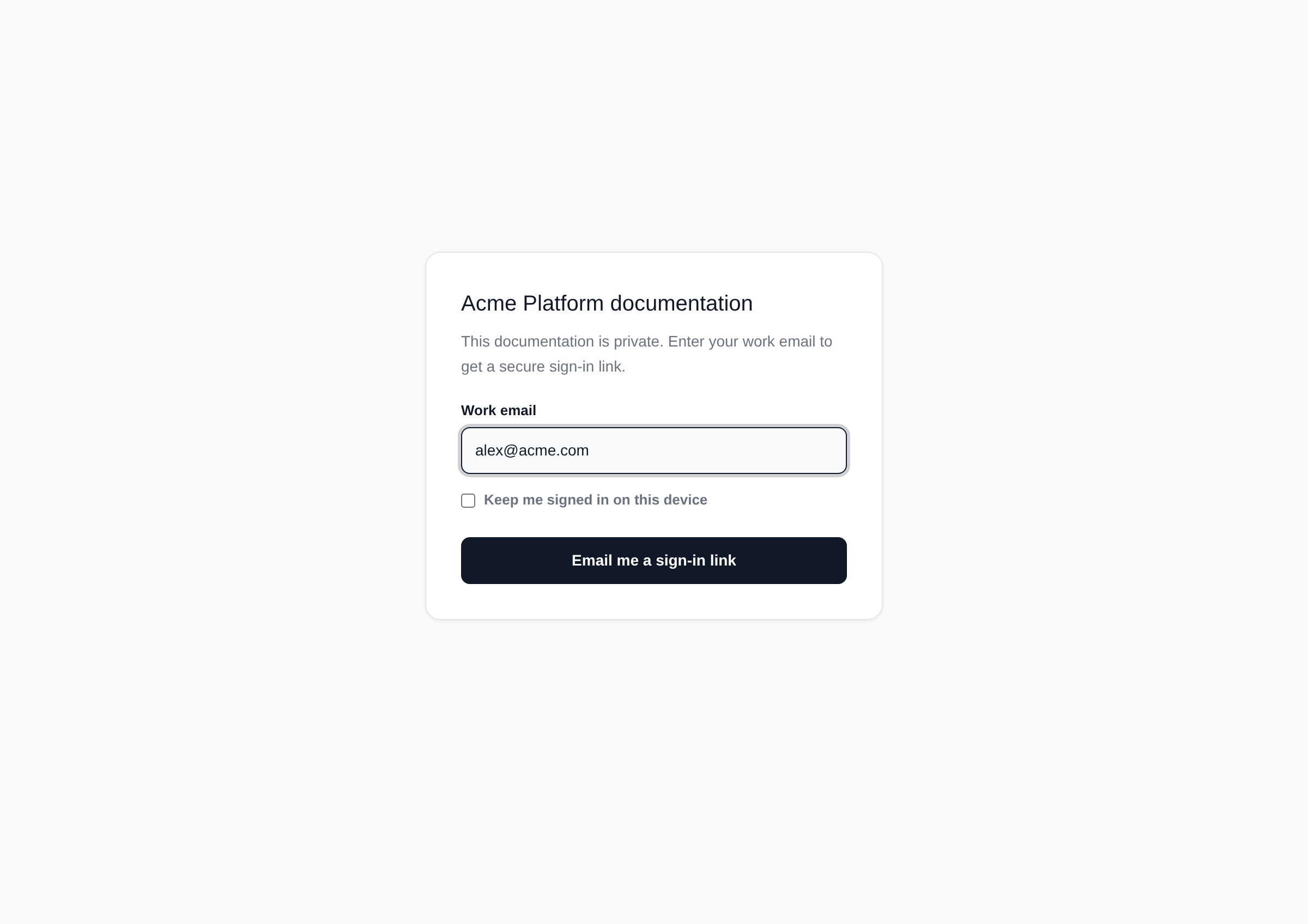
When access is restricted to specific email domains, the help centre shows a sign-in page instead of the articles. You enter your work email address; if your domain is on the approved list, the site emails you a secure sign-in link. If your email is not on an approved domain, you will see a message asking you to use your work email.
Magic links are one-time and expire quickly
The sign-in link arrives by email and works once. Click it to open the documentation. Each link expires after 15 minutes — request a new one if yours has timed out.
You can stay signed in on your device
On the sign-in page you can tick Keep me signed in on this device so you are not asked for a new link every visit. Without that option, your session ends when you close the browser or after a few hours.
Tips
- Use the same work email domain your team told you is approved — personal email addresses like Gmail or Yahoo usually will not work on a restricted site.
- If you are stuck, ask the team that shared the link which email domain to use or request a fresh invite.
Summary
Internal help centres stay private and off search; restricted ones add an email check with a magic link. Once you sign in with an approved work email, you can browse the docs like any public help centre. If you have the link but cannot get past the gate, double-check your email domain or request a new sign-in link.
Was this article helpful?
Written with supportpages.io. More on documentation automation on our blog.
Have a question?
Search our articles, or ask and get an answer straight away.