
What to do when you can't sign in to SupportPages
Updated 4 months ago
Browse All
If SupportPages won't let you in, you're usually dealing with the wrong sign-in method, a typo in your password, or an email that still needs confirming. These checks walk through the fixes for email/password and OAuth sign-in.
Checks and fixes
Open the sign-in dialog
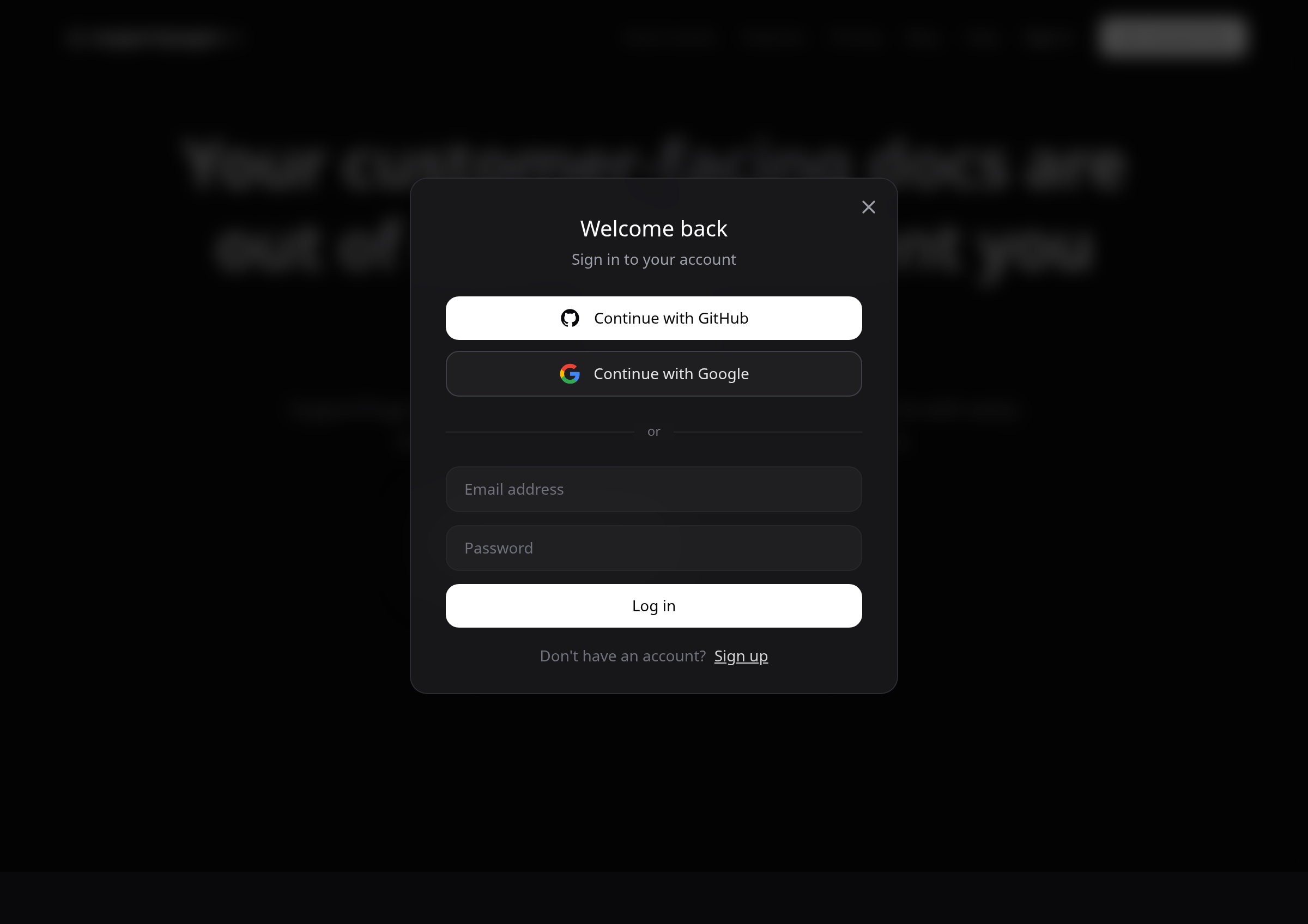
Go to supportpages.io and click Sign in in the header, or Sign in under "Already have an account?" on the home page. The dialog shows Continue with GitHub, Continue with Google, and an email-and-password form.
Use the same method you signed up with
GitHub, Google, and email/password each create a separate account. If you originally signed up with Continue with GitHub, use that button again — not the email form.
Fix an "Invalid email or password" error
Re-enter your email and password carefully. If the combination doesn't match, SupportPages shows an error saying your email or password is invalid.
Confirm your email before signing in
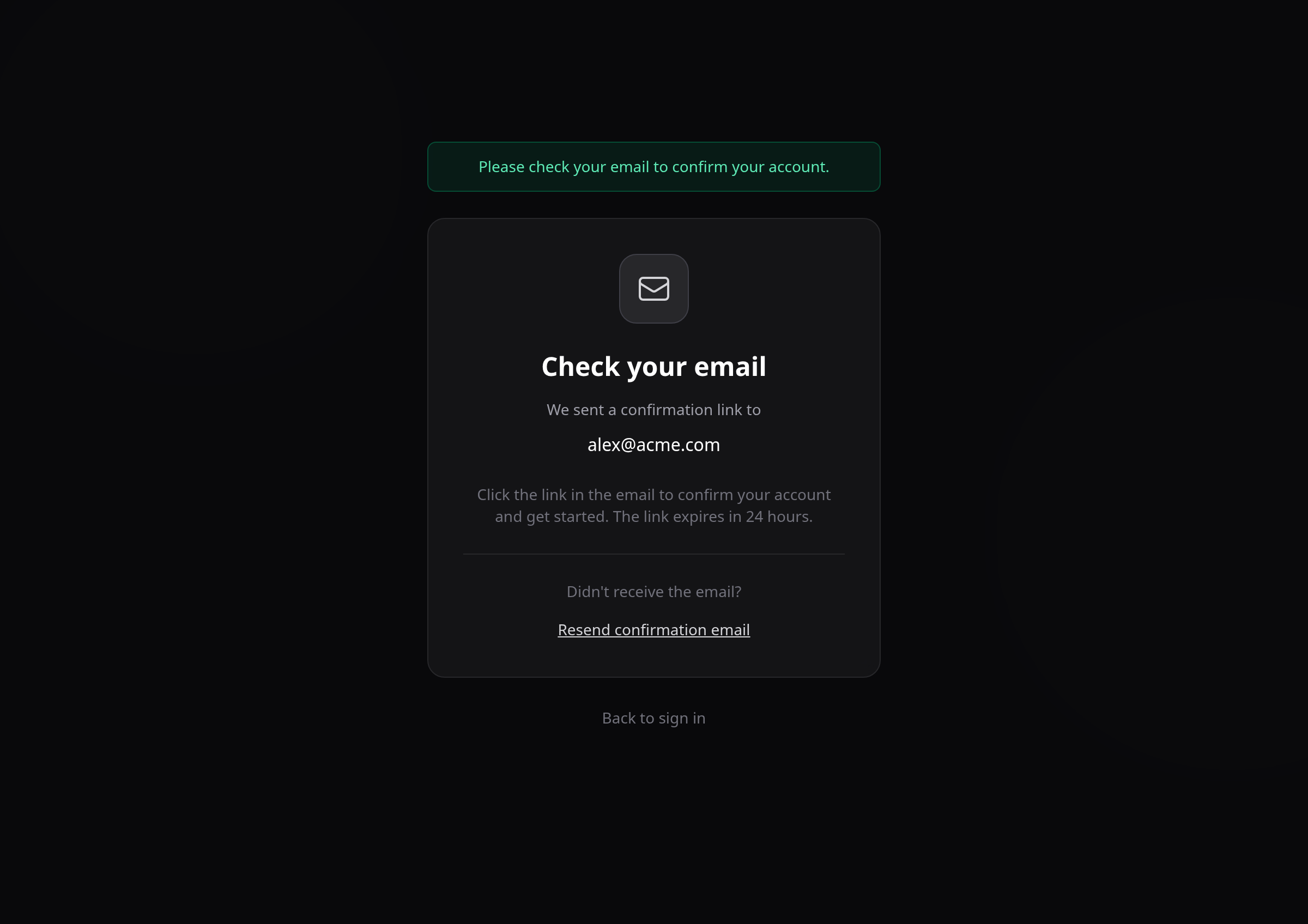
Email-and-password accounts must be confirmed first. If you try to sign in before confirming, you'll land on the Check your email page instead of your workspace.
Resend the confirmation email
On the Check your email page, click Resend confirmation email if the message didn't arrive. Check your spam folder too — confirmation links expire after 24 hours.
Retry OAuth if provider sign-in failed
When Continue with GitHub, Continue with Google, or Continue with Apple fails, you'll return to the home page with an error message. Make sure you're signed into the correct provider account, then try again.
Tips
- Note which sign-in button you used when you first created your account — that's the one to use every time.
- Add supportpages.io to your email safe-senders list so confirmation messages aren't filtered.
- Confirmation links expire in 24 hours — click Resend confirmation email if yours has expired.
Summary
Most lockouts come down to the wrong sign-in method, unconfirmed email, or a mistyped password. Work through these checks in order and you should be back in your workspace.
Was this article helpful?
Help centre by supportpages.io — AI-generated documentation for SaaS.
Have a question?
Search our articles, or ask and get an answer straight away.