
How to update your product context and audience answers
Updated 4 months ago
Browse All
If your users or documentation goals have changed since setup, you can revise those answers so new drafts match who you write for today. This guide walks you through updating them in Settings.
Prerequisites
- A SupportPages project with completed setup
- Access to the project workspace
Steps
Open Settings
From your project workspace, click Settings at the bottom of the left sidebar.
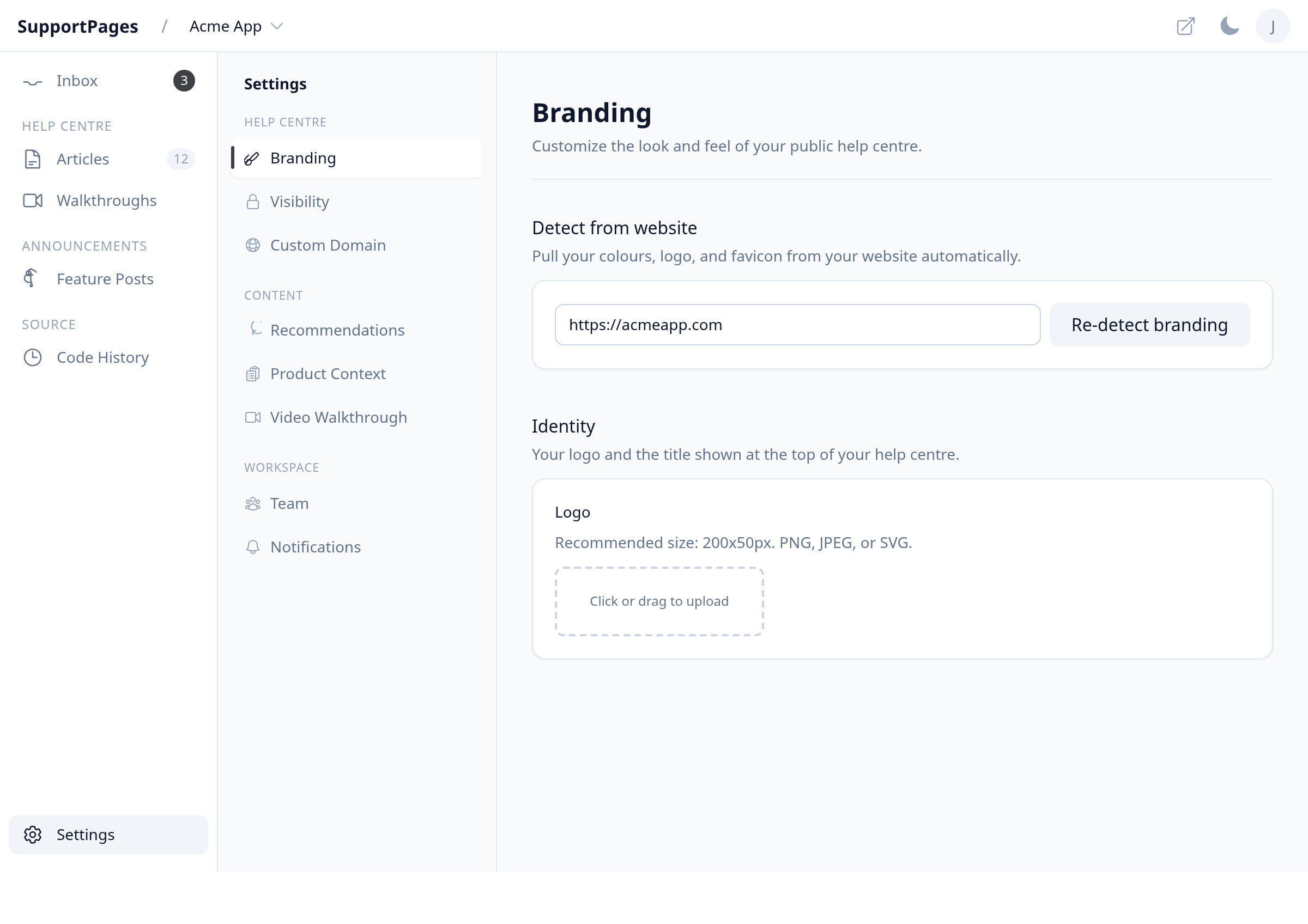
Open the Product Context tab
In the settings menu on the left, under Content, click Product Context.
Update your audience and documentation goals
Review each question and pick updated answers. Change Who's reading these docs? if your audience shifted. Update What should the docs help with? when your priorities change.
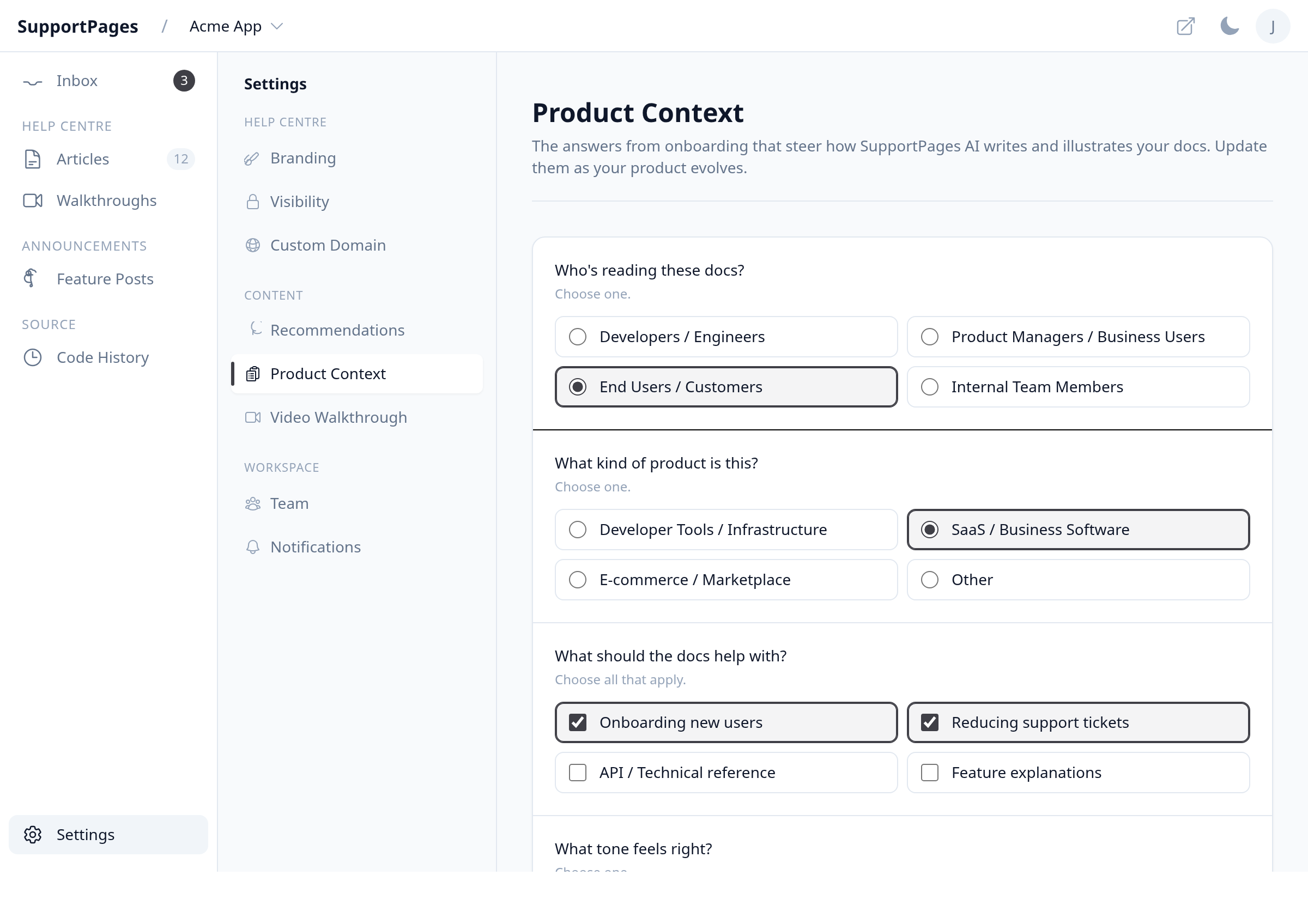
Save your changes
Click Save Product Context at the bottom of the page. A Saved confirmation appears when your updates are stored.
You're all set
New article and changelog drafts will follow your updated answers. Published content stays as-is until you edit it.
Tips
- You can update product context any time — it only affects content generated after you save.
- If you switch Who's reading these docs? to Internal Team Members, check Visibility to confirm your help centre access still matches what you want.
Summary
Keep Settings → Product Context up to date so SupportPages generates drafts that fit your current users and documentation goals.
Was this article helpful?
Created with supportpages.io — AI help centre software.
Have a question?
Search our articles, or ask and get an answer straight away.